


10 POS Checks Every Multi-Location Operator Should Run Before Scaling
Scaling a restaurant group is rarely held back by ambition. It’s held back by friction. And a lot of that friction comes from systems that were “good enough” early on, then quietly fall out of step as complexity grows.
POS integrations are a classic example. At first, everything looks fine. Sales flow through. Reports run. But once you add locations, delivery channels, bundles, discounts, and different ways of ringing items, small sync gaps start to show up in the places that matter most: inventory accuracy, recipe costing, and margin reporting.
That’s why it helps to treat POS sync like a pre-flight check, not something you troubleshoot after the fact. If you validate a few core behaviours now, you save yourself months of cleanup later.
This guide lays out 10 POS sync tests experienced operators run before scaling. They’re not technical QA exercises. They’re practical checks to confirm whether your sales data stays reliable once it leaves the POS and starts driving operational decisions.
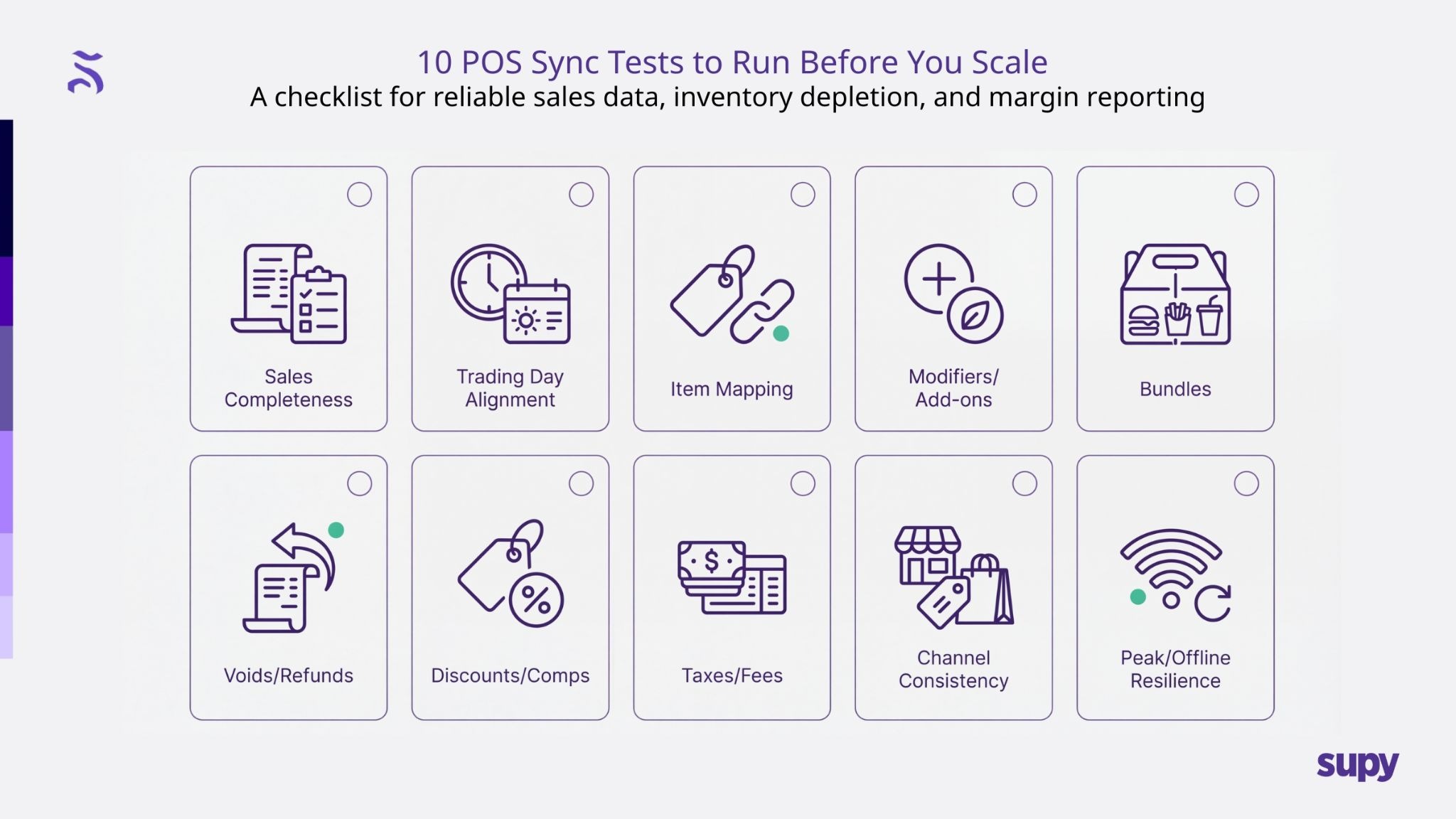
What a POS sync test really checks
A POS sync test is not about whether your POS can take payments or print receipts. It’s about whether sales data behaves predictably once it starts feeding inventory depletion, recipe costing, procurement planning, and reporting.
As you scale, POS data becomes the primary signal for what is sold and therefore what ingredients are consumed. If that signal is noisy or inconsistent, every downstream system struggles to compensate.
1. Sales completeness
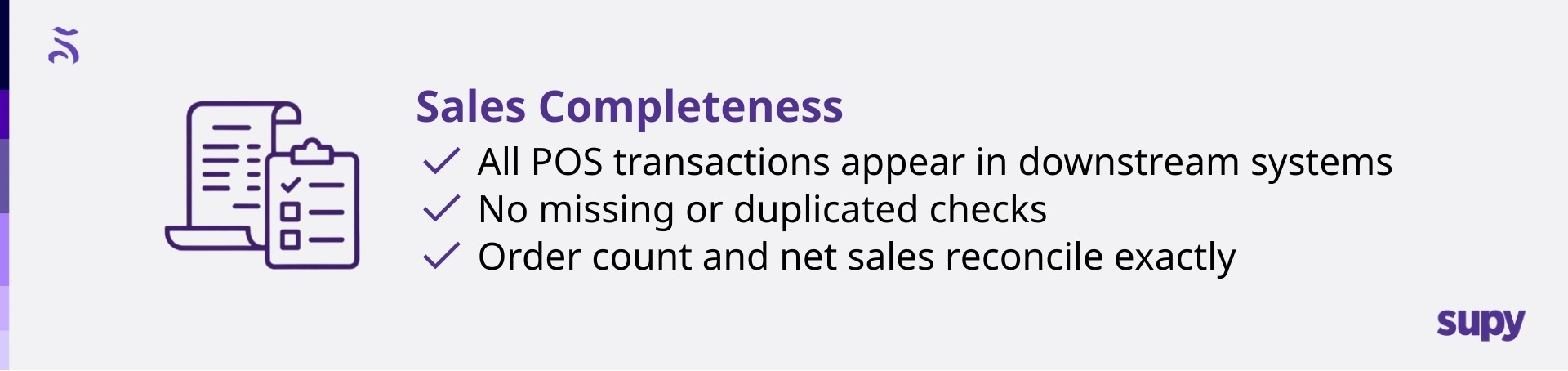
Test: Choose a defined service window and compare POS order count, item count, and net sales against what appears in your downstream system.
✔What good looks like: Every transaction appears once. No gaps. No duplicates. Totals reconcile exactly.
✖ What breaks: Dropped or duplicated checks during busy periods.
Why it matters: Missing sales means missing inventory depletion. Duplicate sales inflate usage. Both create false variance that teams waste time chasing.
Fix: Check sync frequency and retry logic. Make sure late or retried events cannot post twice, and that peak-time batching does not drop transactions.
2. Trading day and time alignment
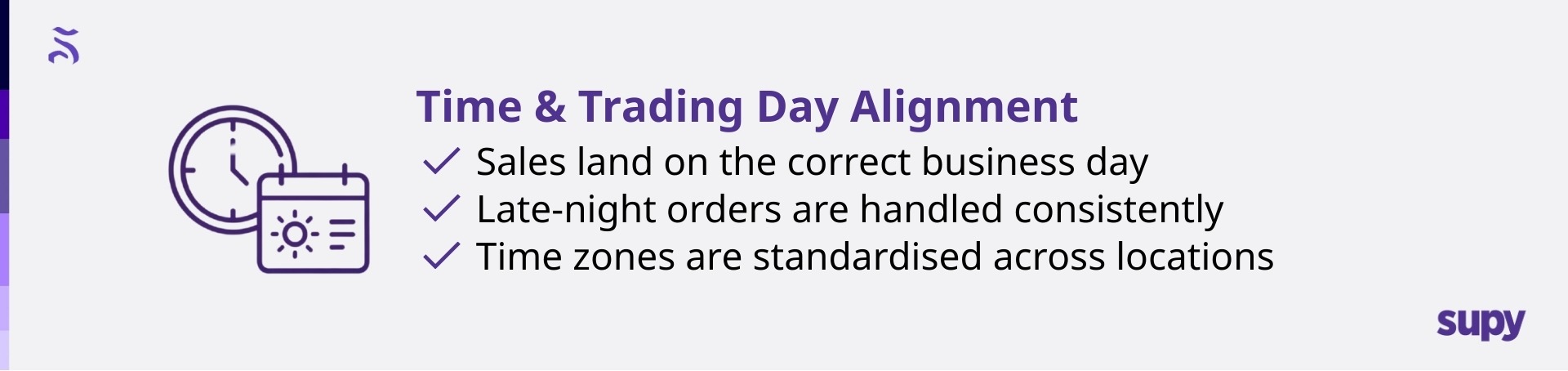
Test: Compare how late-night orders are assigned to business days across systems.
✔ What good looks like: A 1 am sale lands in the same trading day everywhere.
✖ What breaks: Sales roll into different days depending on the system.
Why it matters: Daily variance, par calculations, and shift reporting become unreliable, even if weekly totals look fine.
Fix: Align trading-day cutoffs across POS, inventory, and reporting. Document and enforce one definition of “business day.”
3. Item mapping consistency
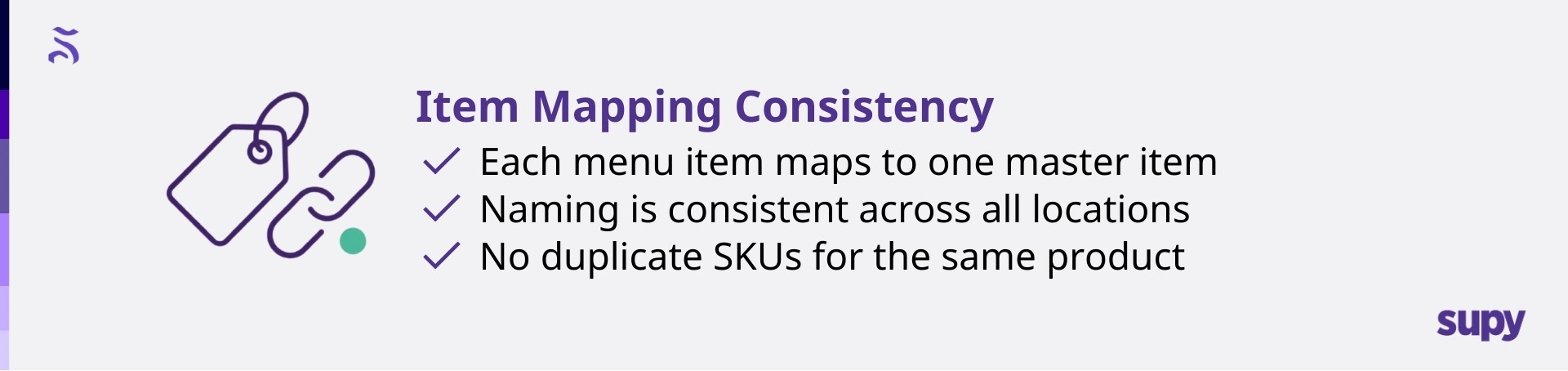
Test: Select high-volume items and confirm they map to a single master item across all locations.
✔ What good looks like: One item name, one recipe, one depletion logic.
✖ What breaks: Multiple SKUs representing the same product.
Why it matters: Duplicate items fragment inventory and recipe costing, making like-for-like comparison impossible across sites.
Fix: Create a locked item master. Allow price and availability changes by location, but not item identity.
4. Modifiers and add-ons
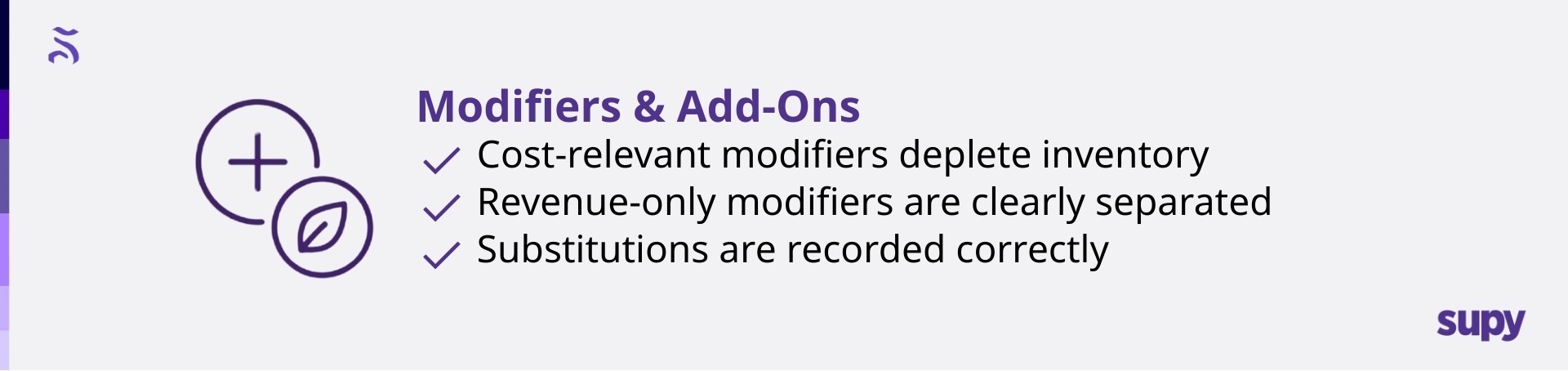
Test: Run orders with paid modifiers, substitutions, and size upgrades.
✔ What good looks like: Cost-relevant modifiers deplete inventory correctly.
✖ What breaks: Modifiers generate revenue but consume nothing.
Why it matters: High-frequency add-ons quietly erode margin while reports suggest everything is fine.
Fix: Decide which modifiers affect cost and explicitly map them to ingredients or recipes. Treat “text-only” modifiers as a risk.
5. Combos and bundles
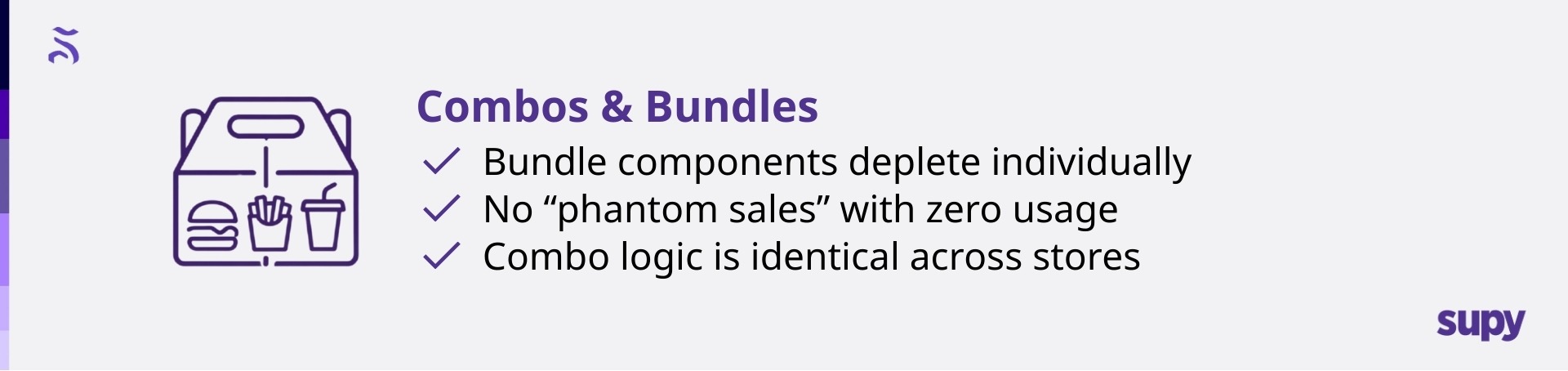
Test: Sell bundled meals and confirm that components deplete individually.
✔ What good looks like: Fries, drinks, and mains all deplete as expected.
✖ What breaks: Bundles sell without consuming components.
Why it matters: Core ingredients disappear faster than expected, inflating variance without obvious operational issues.
Fix: Standardise bundle logic across locations and ensure bundles explode into components for inventory purposes.
6. Voids and refunds
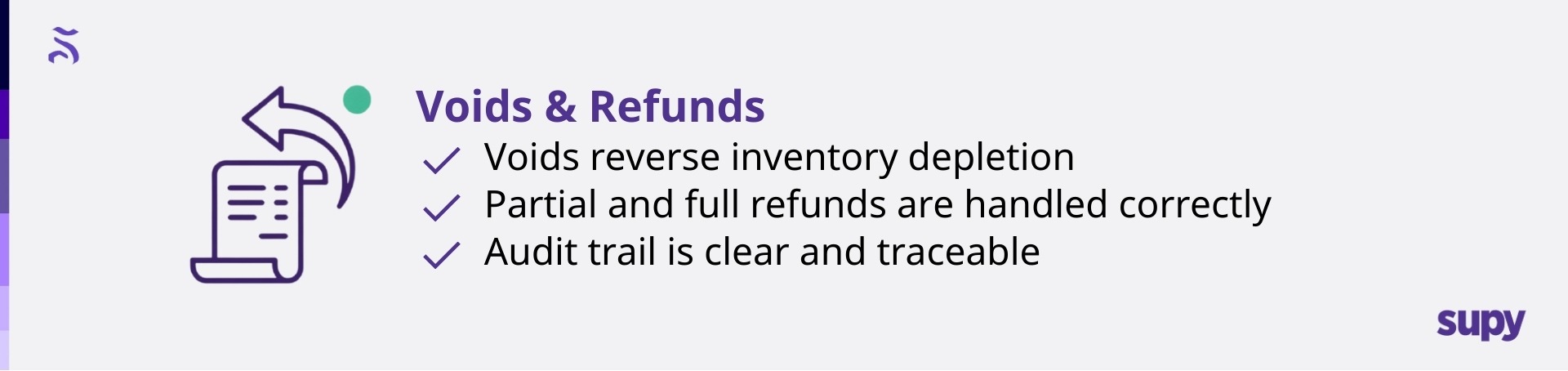
Test: Process voids, partial refunds, and full refunds.
✔ What good looks like: Inventory depletion reverses appropriately.
✖ What breaks: Sales reverse, but inventory does not.
Why it matters: Food cost looks worse than reality, sending teams chasing problems that don’t exist.
Fix: Ensure refunds are treated as first-class events that reverse both revenue and consumption.
7. Discounts and comps
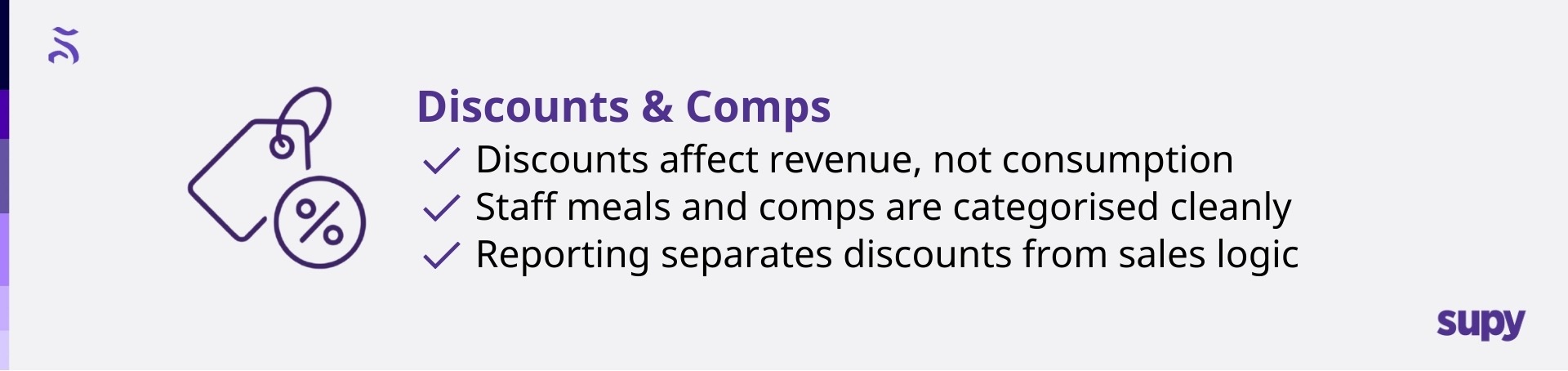
Test: Run staff meals, influencer comps, and promotions.
✔ What good looks like: Consumption stays consistent while revenue reflects discounts.
✖ Discounts interfere with item identity or depletion.
Why it matters: Menu contribution analysis becomes unreliable, especially during promotions.
Fix: Separate discount logic from inventory logic. Use comp categories for reporting, not item mapping.
8. Taxes, service charges, and fees
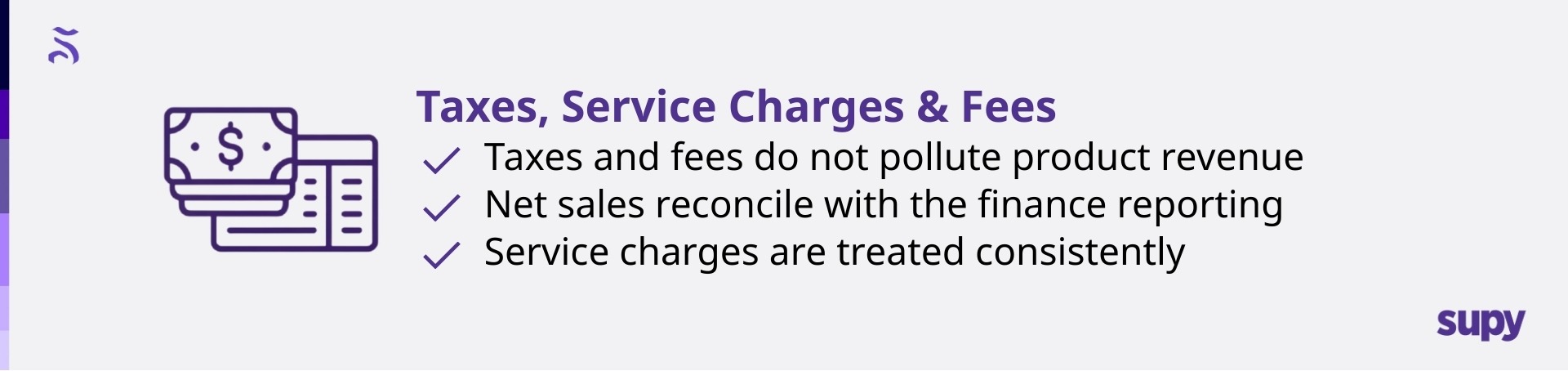
Test: Reconcile gross sales, net sales, taxes, and fees across systems.
✔ What good looks like: Product revenue remains clean and reconcilable.
✖ What breaks: Fees or service charges pollute sales data.
Why it matters: Finance reconciliation becomes manual and contentious.
Fix: Clearly define what counts as revenue vs pass-through and enforce consistent accounting mappings.
9. Sales channel consistency
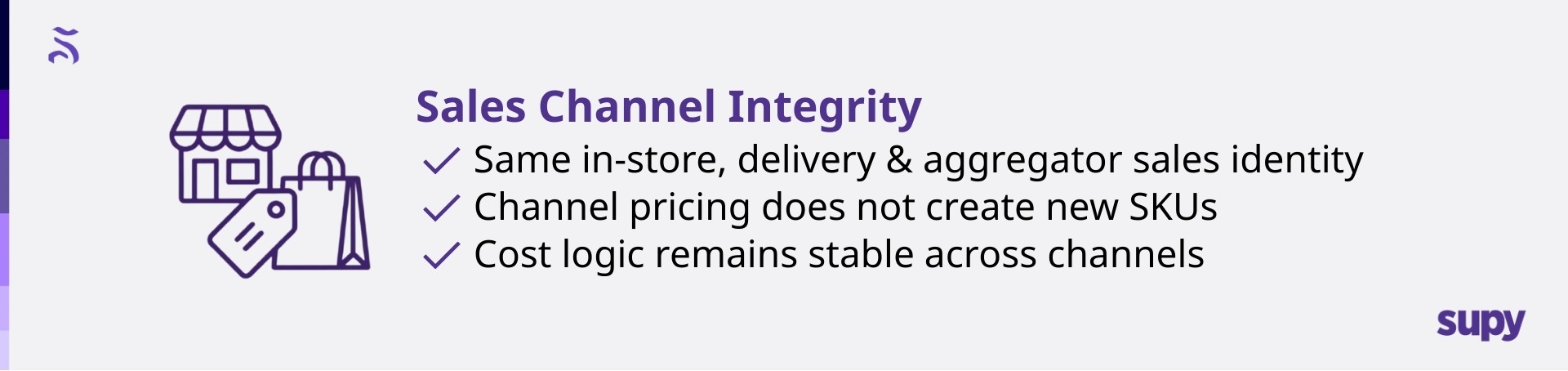
Test: Sell the same item via dine-in, takeaway, delivery, and aggregators.
✔ Item identity stays consistent across channels.
✖ What breaks: Channel-specific SKUs fragment costing.
Why it matters: The same dish appears to have different costs depending on where it was sold.
Fix: Keep one item identity. Channel differences should live in pricing and reporting, not SKU creation.
10. Peak and offline resilience

Test: Stress the system during peak service and simulate offline recovery.
✔ What good looks like: Late events sync once, correctly, and in order.
✖ What breaks: Duplicate or missing sales appear after reconnection.
Why it matters: Peak-time issues compound quickly and are hardest to debug afterward.
Fix: Validate idempotency and retry logic. Late events should never post twice or distort trading days.
How to spot POS sync issues early
Most teams discover sync issues through symptoms, not diagnostics. The fastest way to catch them earlier is to watch for a few consistent signals:
- Sudden variance spikes without operational changes
- Location-to-location reporting inconsistency for the same menu
- Modifiers and bundles showing high sales but “zero” usage
- Refunds do not reduce theoretical usage
- Daily reports not matching the POS closing
When you see these, the instinct is to blame inventory counting. Sometimes it is counting. Often, it is data.
Where Supy adds value
Once you’ve run these tests, you’ll usually land on the same conclusion. You don’t just need a POS. You need an ops layer that:
- Standardises item data across locations
- Validates sales-to-inventory depletion logic
- Keeps procurement, inventory, and recipe costing connected
- Integrates cleanly with POS and accounting systems
That is the role Supy is designed to play. It integrates with your existing stack and sits between POS and finance systems, turning raw sales events into usable operational truth so cost control and reporting stay stable as you scale.
Final thoughts
Scaling locations multiplies complexity faster than teams expect. The smartest move is not to assume your POS sync is fine because it works today. It is to prove it.
Run these 10 sync tests while you still have time to fix mapping and logic calmly. Once you scale, every mismatch becomes a recurring problem, and recurring problems are what quietly erode control.
A clean POS sync is not a technical detail. It is the foundation for reliable inventory, accurate recipe costing, and margin confidence.

.png)
